
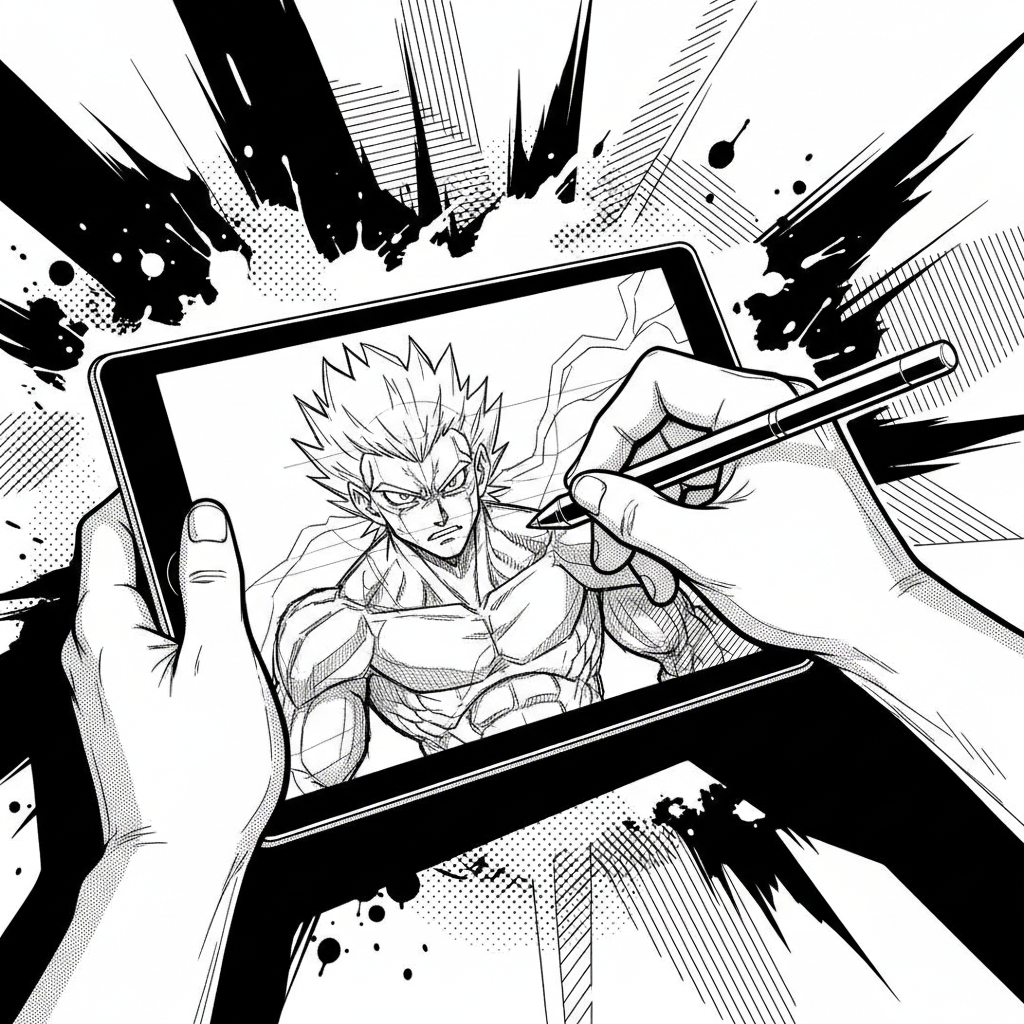
The Limits of Traditional Inking and the Allure of Digital
Material and Logistical Constraints
- Material Costs: inks, nibs, specific papers.
- Required Workspace: light table, space for equipment.
- Waste Management and Cleaning.
- Difficulty in Correction and Rapid Iteration.
Advantages of Digital Inking
- Flexibility and Unlimited Correction: undo, modify, resize without loss.
- Variety of Virtual Tools: nibs, brushes, textures simulating traditional.
- Time Saving: layer duplication, automatic effects.
- Direct Integration into Digital Workflow: preparation for coloring and export.
Evolving Creative Expectations
The desire for rapid experimentation, the need to meet tight deadlines, and the democratization of tools are pushing creators to adopt more agile methods for creating comics.
🚀 Transform Your Ideas into Comics
Go from concept to inked page quickly with intuitive tools.
Discover Bulle.aiUnderstanding Digital Inking Techniques
Digital inking offers a diverse range of techniques, each providing specific benefits for comic and manga creation.
- Vector Inking
- Uses vector paths for a clean, scalable rendering, ideal for precise lines and solid colors. Less simulation of natural textures.
- Bitmap (or Raster) Inking
- Simulates traditional tools (nibs, brushes) on a pixel grid. Allows for a wide variety of textures and renderings, from smooth to grainy.
- Using Custom Brushes
- Creating or downloading brushes that mimic the look of ink, pencil, or other textures for a unique and fast rendering.
- Flatting and Gradient Inking
- A technique focused on areas of shadow and light, often with subtle gradients, to add volume without necessarily simulating traditional pen strokes.
- Photorealistic Inking
- An approach aiming to mimic the light and shadow effects of a photograph, often used for more mature or realistic styles.
- Stylized or Cartoon Inking
- Uses thick lines, simplified shapes, and solid black areas for strong visual impact, typical of animation styles or certain manga.
🎨 Explore Inking Techniques
Master various digital inking methods for a professional finish.
Try the ToolsIntegrating Digital Inking into a Modern Workflow
Optimizing the Creative Process
Digital tools enable unprecedented fluidity in the creative process. Inking can be directly integrated after sketching, with the ability to modify lines, adjust thickness, or change styles at any time. This agility is essential for creators who need to produce quickly without sacrificing quality. Using separate layers for lines, shadows, and highlights offers modularity that facilitates adjustments and iterations.
Saving prompts and work allows for reusing elements in a workflow designed to produce comics or manga faster. Direct integration into layout software prepares pages for final export in various formats, whether for print or online publication.
Synergy with Coloring and Layout
Well-thought-out digital inking greatly simplifies the coloring stage. Closed lines created digitally prevent color bleeds, and using specific colors for inking (e.g., dark brown instead of pure black) can enrich the visual palette. Furthermore, digital inking integrates seamlessly into layout software, preparing pages for final export in various formats, whether for print or online publication.
💡 Optimize Your Workflow
Integrate digital inking into your process to produce faster and better.
Learn MoreConclusion
The shift to digital inking is not just a trend but a logical evolution driven by the need for speed, flexibility, and integration into an increasingly digital creation ecosystem. The 70% of creators switching techniques attest to the power and relevance of these new tools. For those looking to optimize their workflow, from idea to published work, solutions like Bulle.ai offer a comprehensive environment to explore and master these techniques, enabling faster production of professional-quality comics and manga. Don't wait to discover how digital can revolutionize your creative process.